TikTok
Paste the link to a public TikTok video or photo post.

Shopify app · Free plan available
Raveo makes your TikToks, Reels, UGC and lifestyle photos shoppable. Tag products once, then show them as video carousels, stories, product page videos and lookbooks.
Free forever plan. Pro is $15/month with a 14-day free trial.
Upload or import once, tag products once, and use the same media in every format on your store.
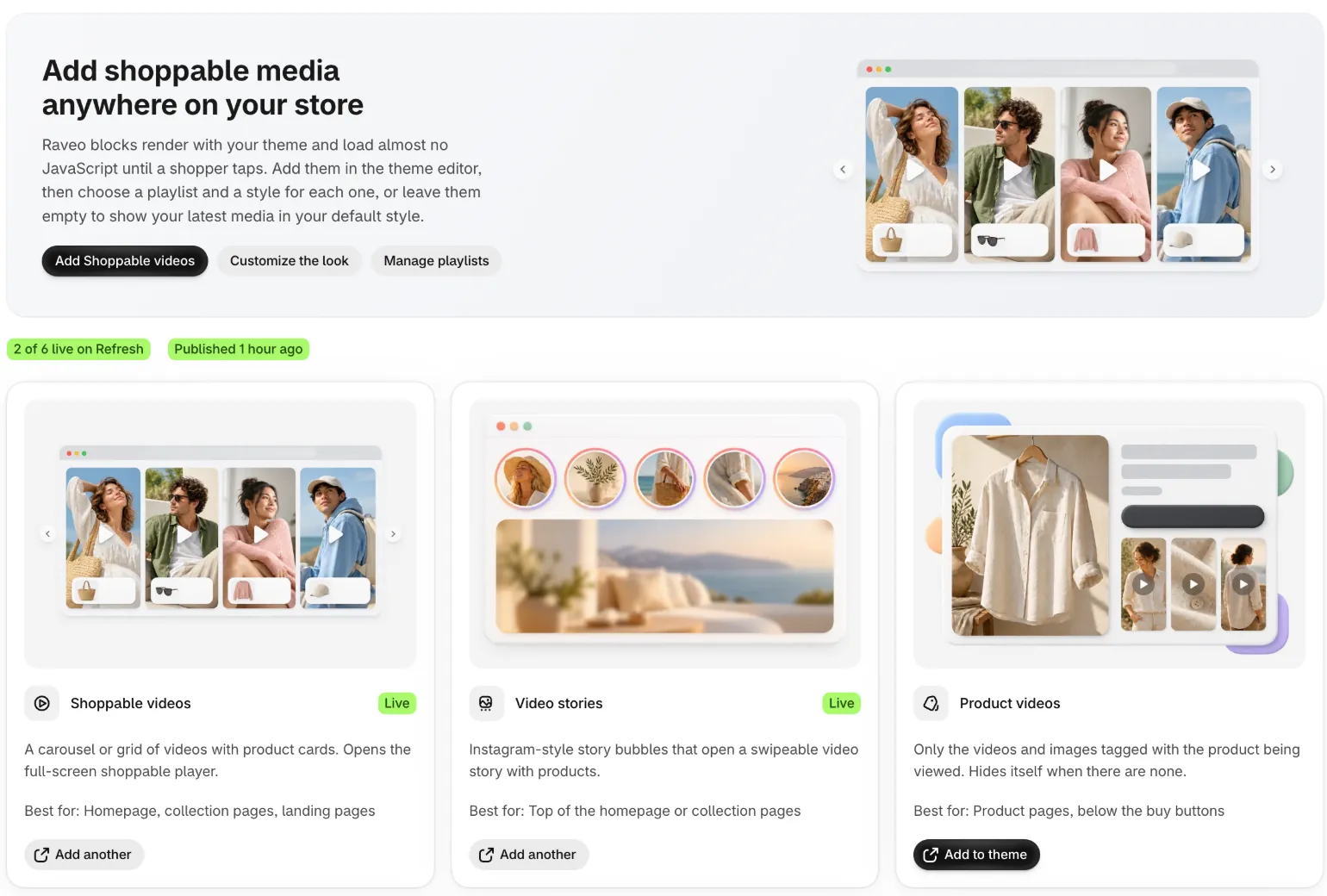
Shoppable videos
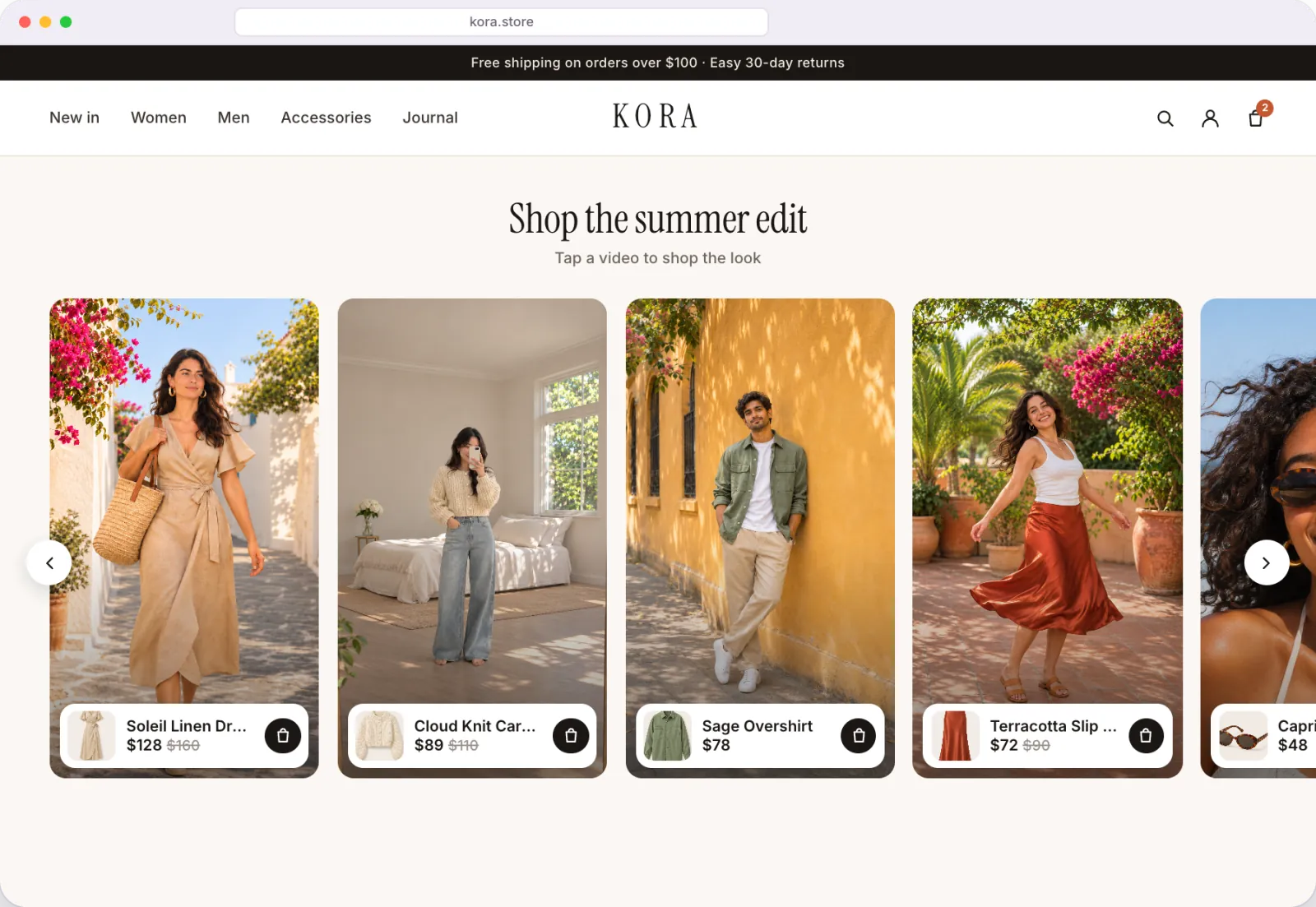
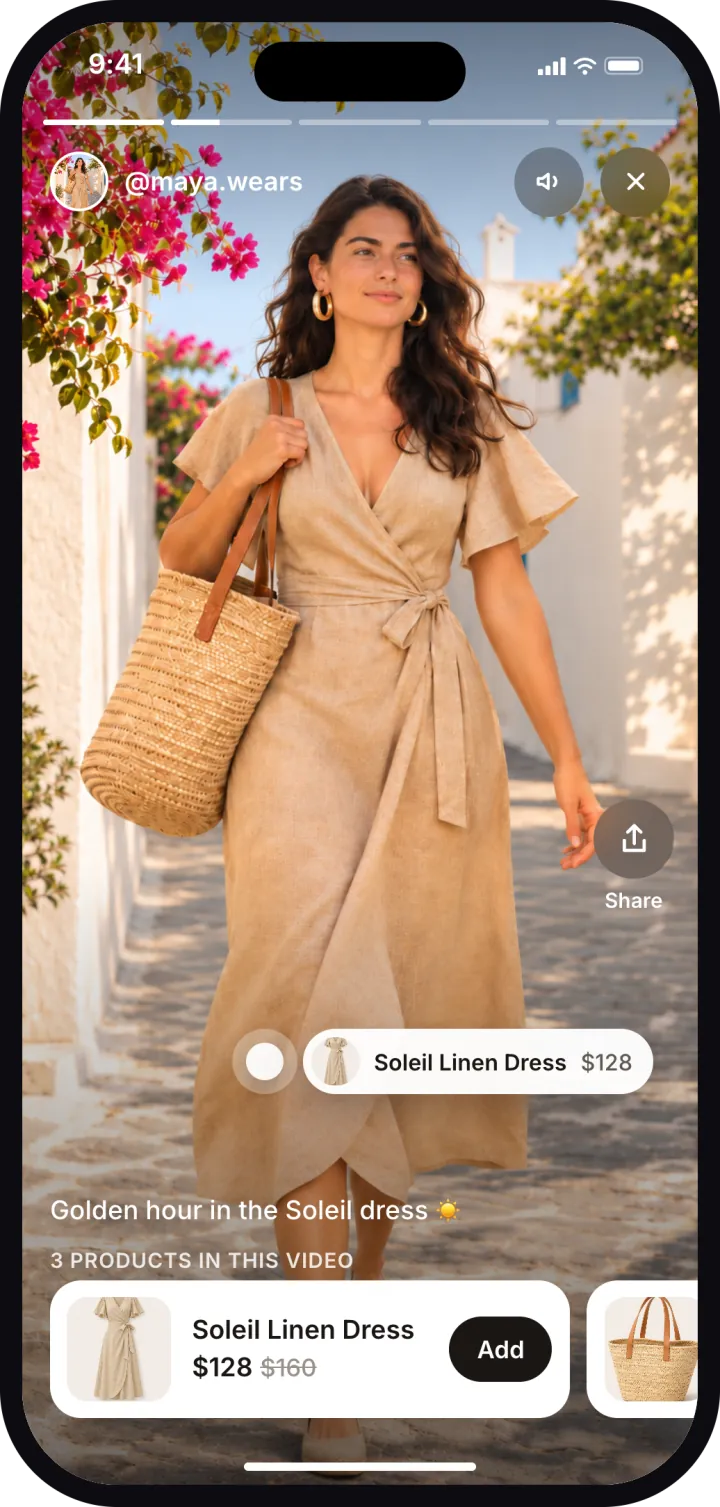
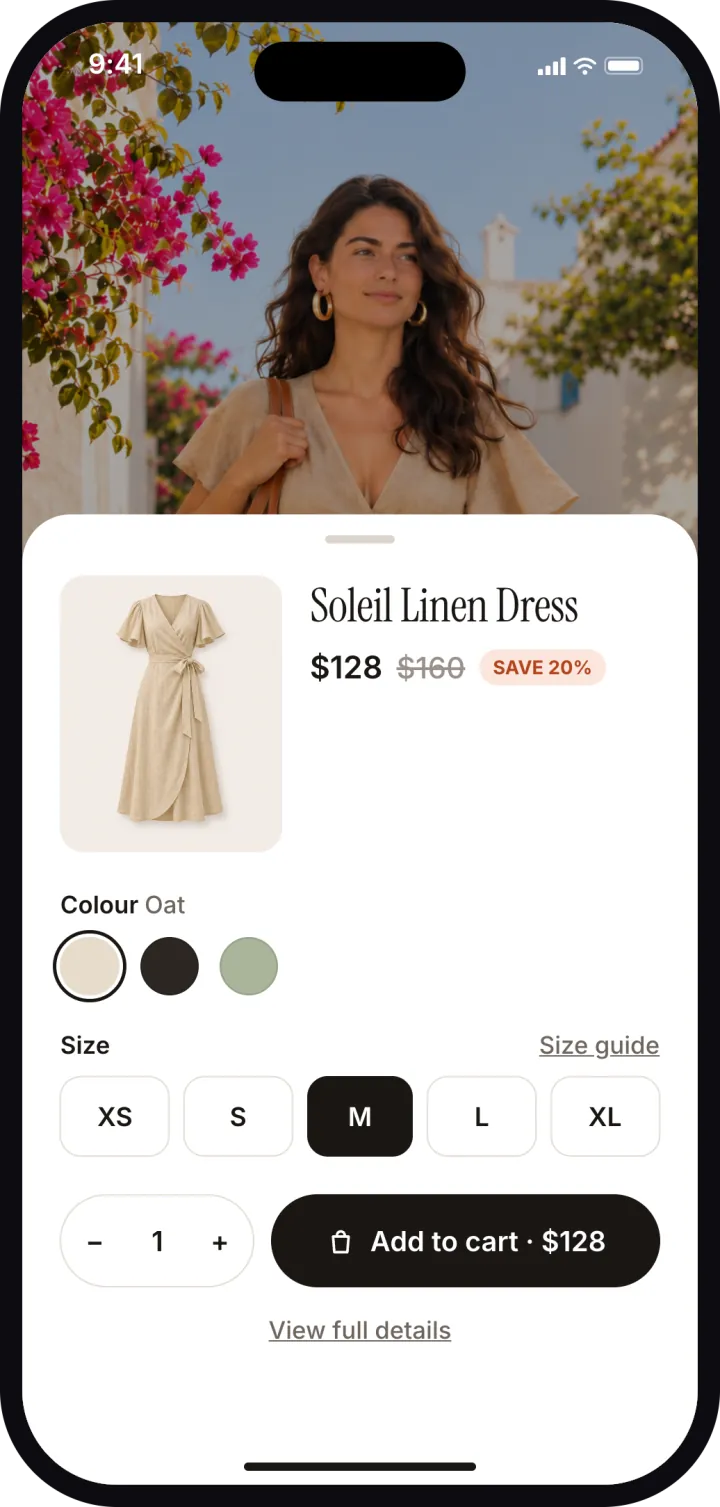
Show your videos as a carousel with the product right on each card. Tap a video, swipe through the rest, pick a size and add to cart without leaving the player.
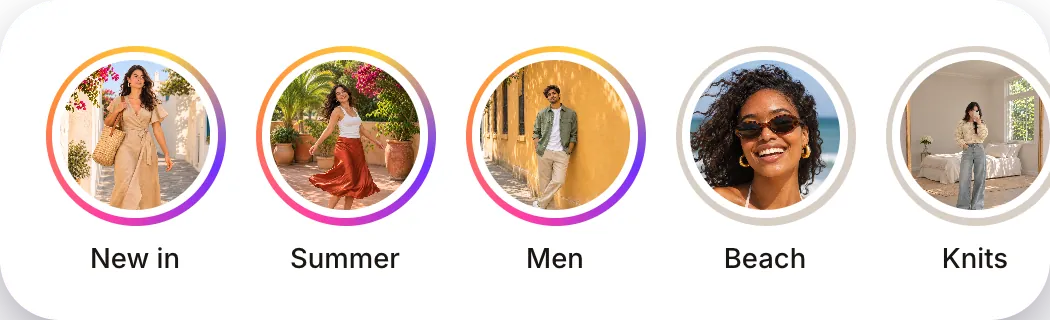
Video stories
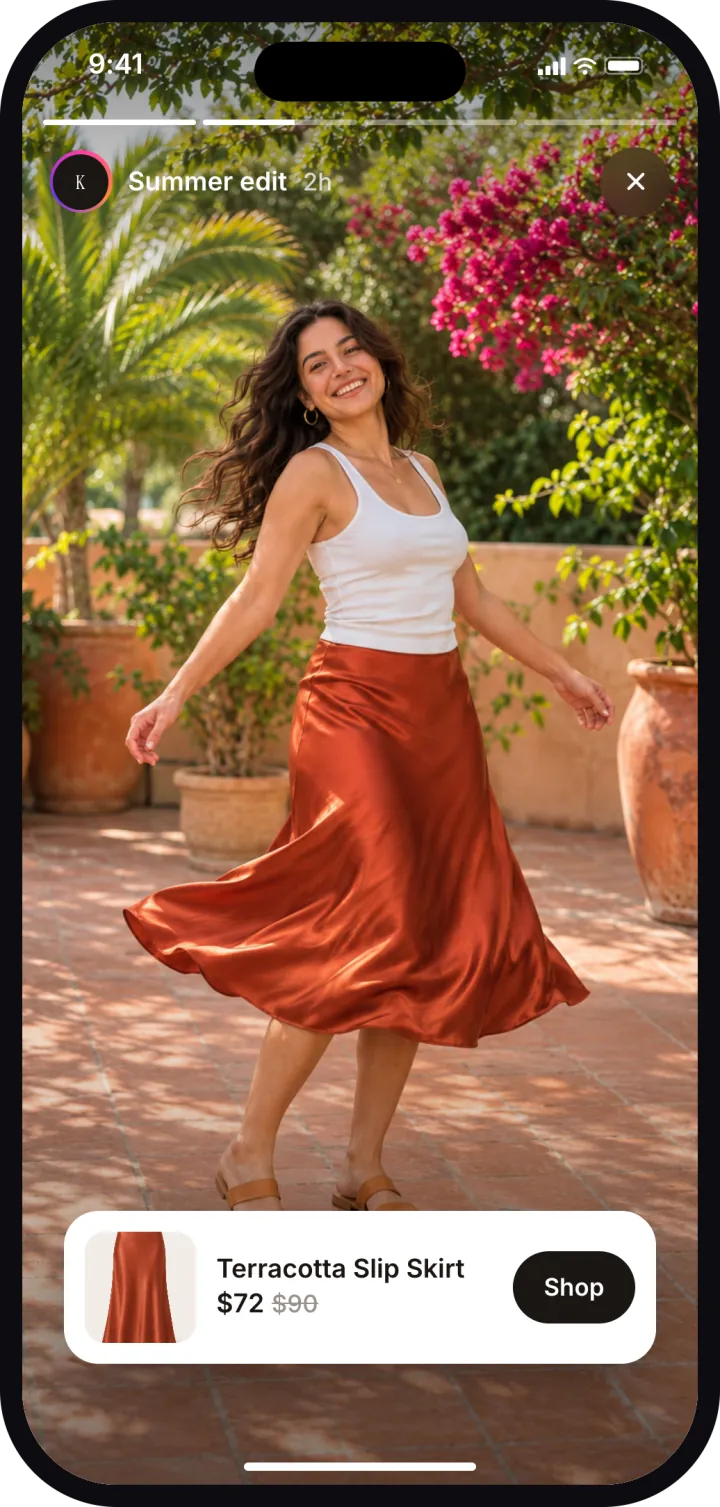
Put Instagram-style story bubbles at the top of your homepage or collections. Each one opens a swipeable story with products.
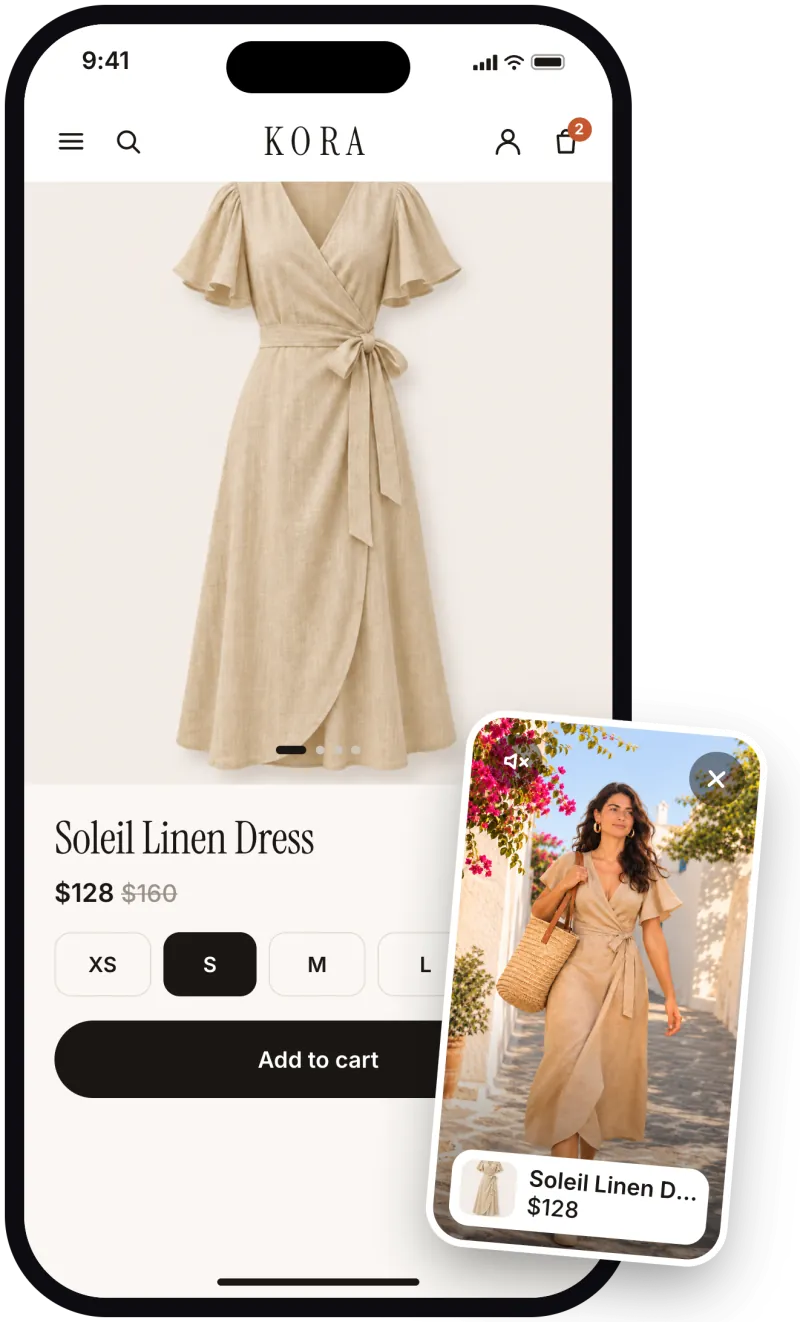
Floating video
A small video bubble that follows shoppers around your store and opens the full player on tap. Turn it on with one switch in the theme editor.
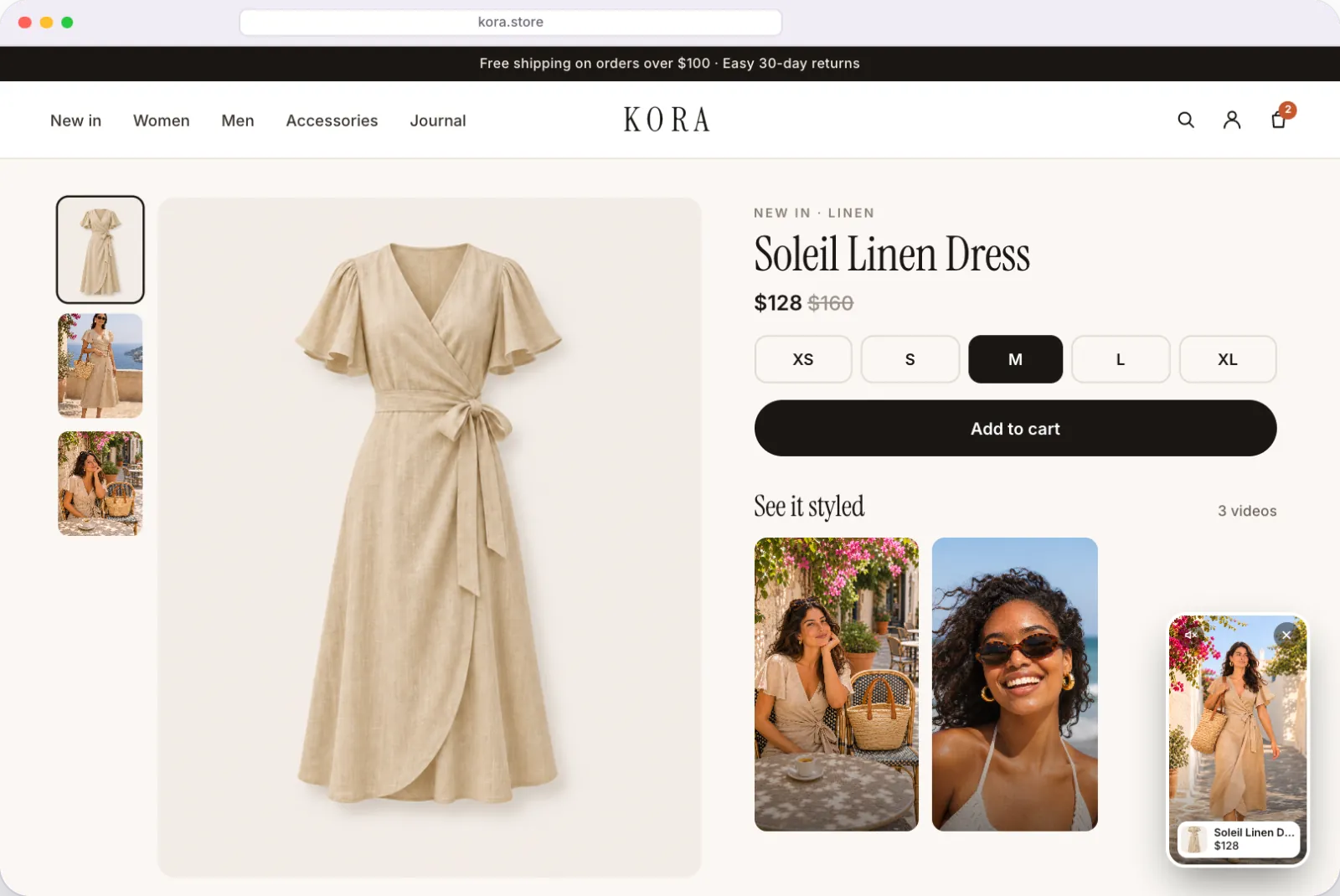
Product videos
Add one block to your product template and every product page shows its own videos. No per-product setup.
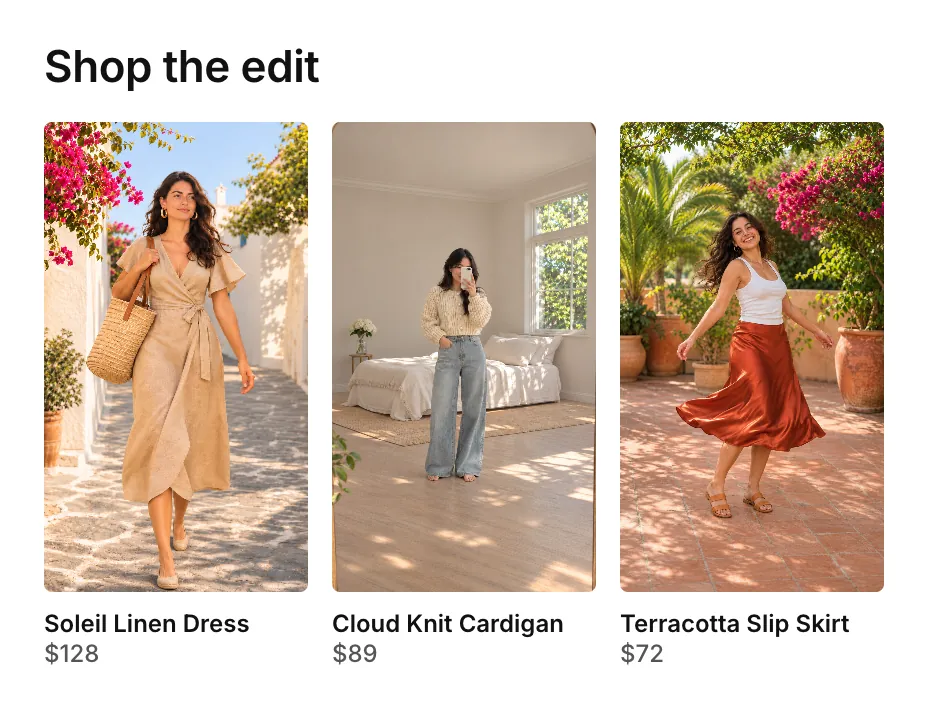
Shoppable lookbook
Click a lifestyle photo to place a hotspot on each product. Shoppers tap a dot to see the product and add it to cart.

Shop the lookPro
Turn an outfit into one checkout step. Shoppers tick the pieces they want, choose sizes and add them all at once.

Your media library
Paste a link or drop in files. Raveo makes web-ready versions of everything, so your store only serves small files.

Paste the link to a public TikTok video or photo post.
Paste the link to a public Instagram post or Reel.
Drag and drop MP4, MOV or WebM videos (up to 200 MB and 3 minutes) and JPG, PNG, WebP or AVIF photos (up to 20 MB).
Tag up to 30 products on each video or photo. Every widget that shows it becomes shoppable, and playlists decide what goes where.
Raveo suggests which of your products appear in each new video or photo, from its caption and its frames. You accept or dismiss each one.
Customize
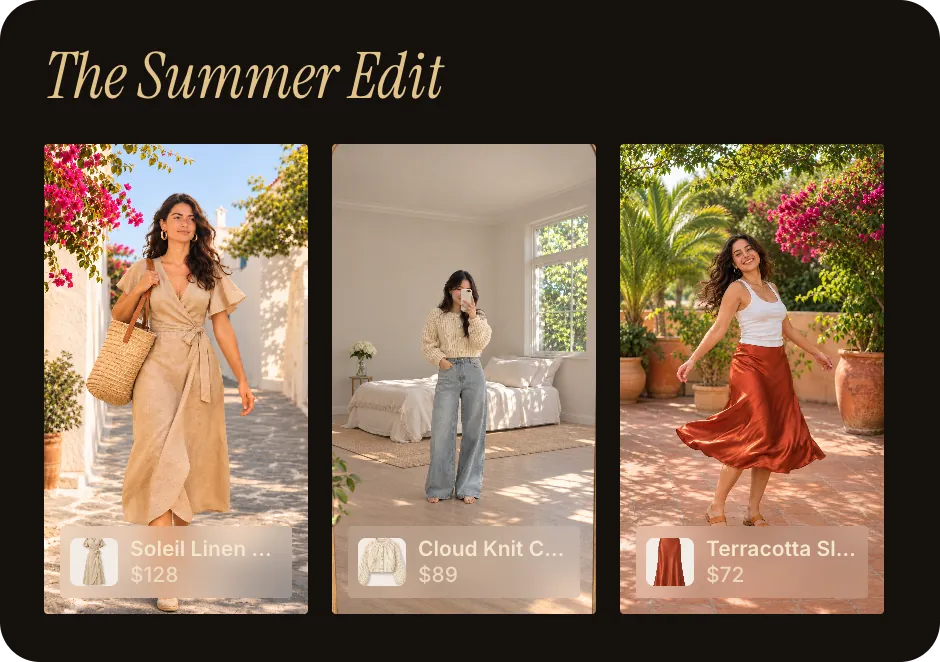
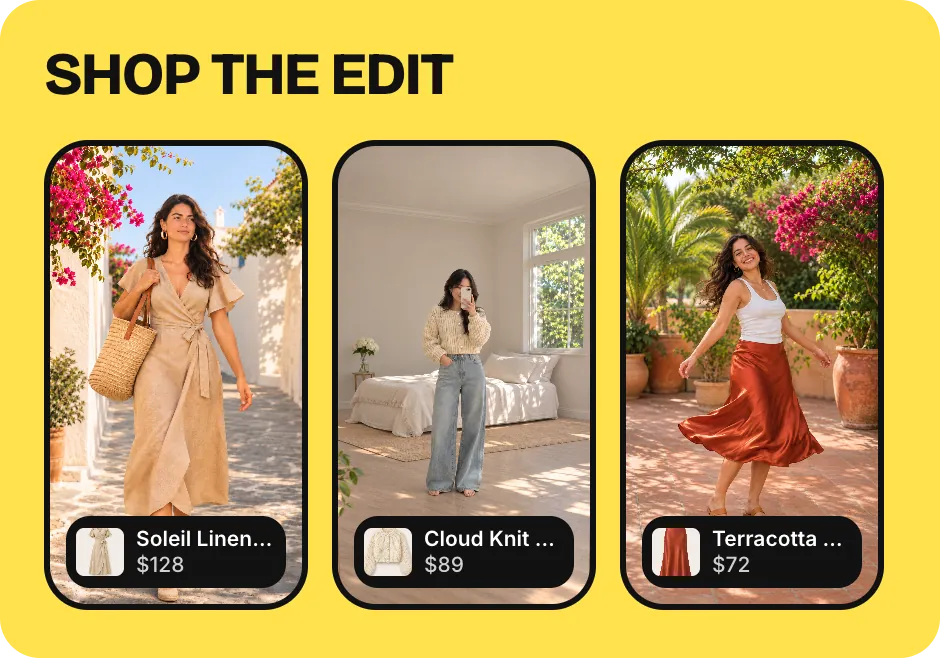
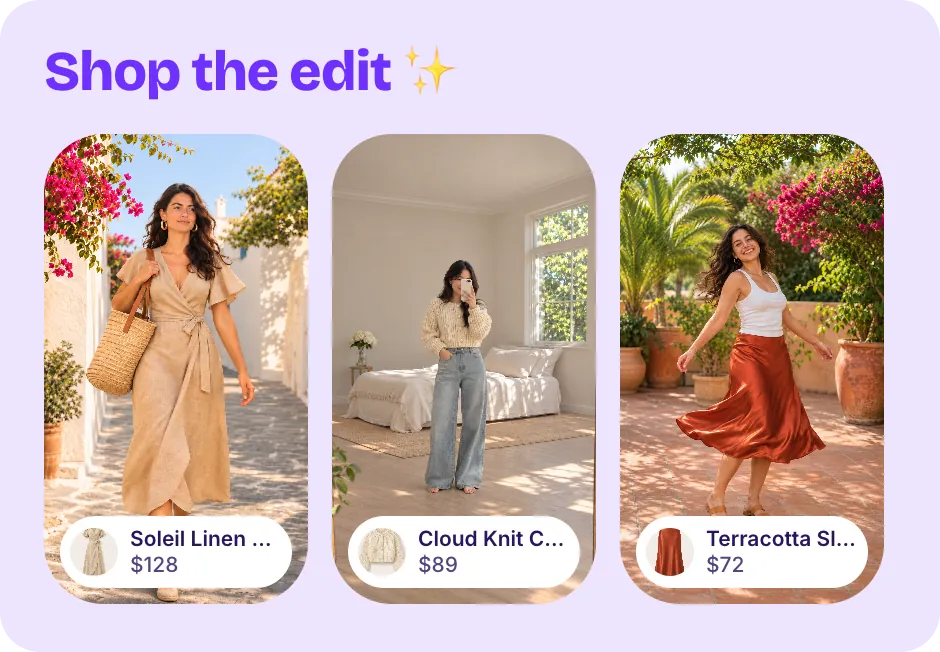
Make every widget look like it was built for your theme: colours, fonts, corners, layouts and what each card shows. Pick the way that suits you.
Every change shows in a live mobile and desktop preview, and nothing goes live until you save. AI styling includes 10 requests a day on Free and 100 on Pro.

Performance
Video widgets are often the heaviest thing on a page. Raveo was built the other way round.
0
Widgets render inside your theme, in Liquid, from data saved in your shop. Media comes from a CDN.
≤ 8 KB
The video player loads only when a shopper interacts.
3
Lazy-loaded photos and posters at 480, 960 and 1600 px. Videos are MP4 with short animated previews.
A11y
Keyboard controls, right-to-left layouts, and respect for reduced motion and Save-Data.
Analytics
Player opens, product clicks and click rate, add-to-carts and widget views for the last 7, 30 or 90 days. Daily charts, top media, top products and a breakdown per widget.
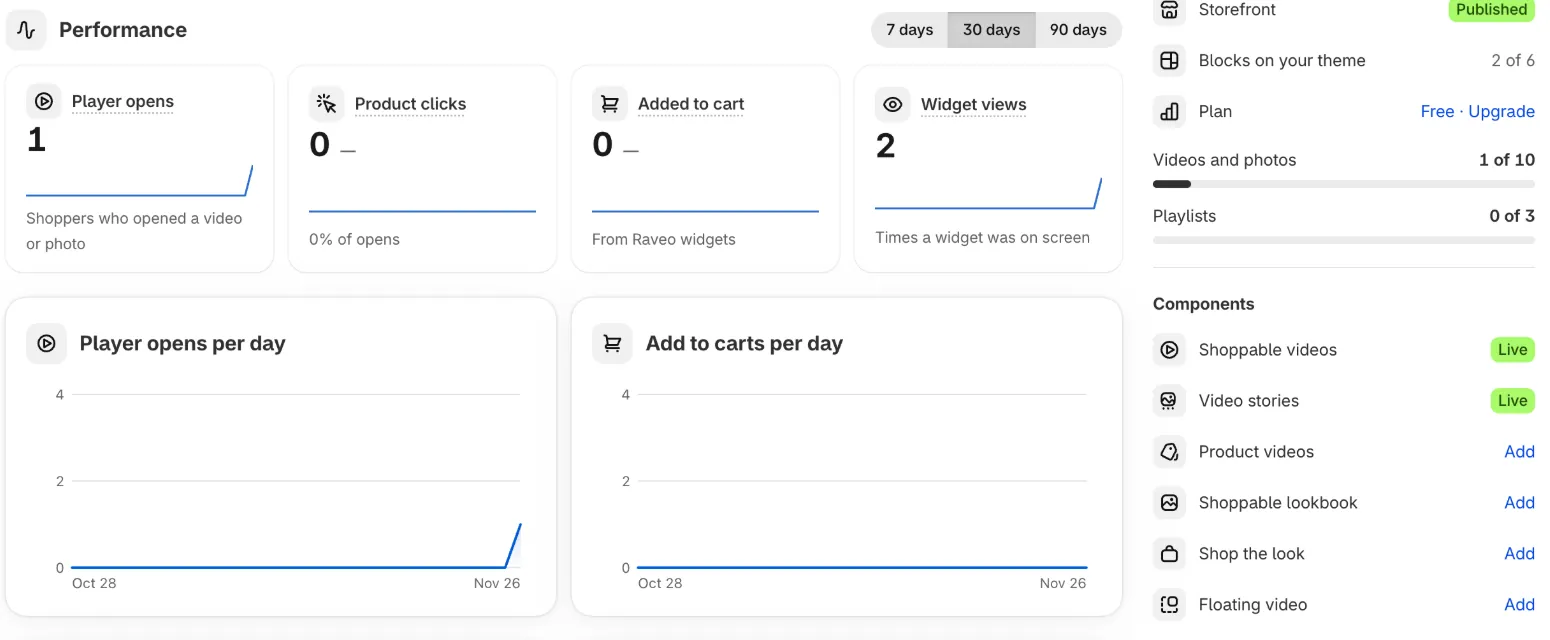
Counts are anonymous and only collected when a shopper’s privacy choices allow analytics. Raveo counts add-to-carts from its widgets; it doesn’t attribute orders or revenue.
Setup
From the Shopify App Store. No extra account or login.
Upload or paste a link, then tag the products in each video or photo.
Click “Add to theme” in Raveo, or add a Raveo block in the theme editor. Works with Online Store 2.0 themes.
Pricing
Two plans. No per-view fees: every plan includes unlimited views. Pro comes with a 14-day free trial.
Everything you need to put shoppable videos on your store.
$0forever
For stores that want every format and no limits.
$15/ month
Billed by Shopify in USD every 30 days. Install free, then upgrade any time in Raveo → Plans.
Raveo turns your videos and photos into shoppable widgets on your Shopify store. You build one media library, tag products once, then show that media as a video carousel, video stories, product page videos, a floating video, a shoppable lookbook with hotspots, or a shop the look widget.
Raveo’s widgets are theme app blocks, so they work with Online Store 2.0 themes (Dawn, Horizon and other themes from the Shopify Theme Store support them). After add to cart, Raveo opens the cart drawer on Dawn and Horizon-style themes. On other themes it shows an “Added to cart” message or sends the shopper to the cart, whichever you choose.
Upload them, or import them by link. Uploads take MP4, MOV and WebM videos up to 200 MB and 3 minutes, and JPG, PNG, WebP and AVIF images up to 20 MB. To import, paste the link to a public TikTok video or photo post, an Instagram post or Reel, or a direct file URL. Links are imported one at a time: there is no bulk, profile or hashtag import, and no YouTube import.
Raveo is built not to. Widgets are rendered by your theme in Liquid from data stored in your shop, so showing them needs no request to Raveo’s servers. The core script is under 8 KB gzipped, the video player only loads when a shopper interacts, and images are lazy-loaded WebP in three sizes.
Yes. The Free plan includes 10 videos or images, 3 playlists, every widget except shop the look, unlimited views and analytics. It shows a small “Powered by Raveo” link.
Install free. Import a TikTok. Tag a product. Add a block in the theme editor. Shoppers can buy from your videos.